Who's on shift?
Now you know

Give your teams greater visibility before every shift by helping employees see who they'll be working alongside before they arrive.
Rated 4.8 on Capterra & GetApp
Better prepared teams
Employees know who's on shift before they arrive, helping them start the day with confidence.
Improved coordination
Make it easier for colleagues to connect before every shift.
No extra admin
Simply enable the feature for your organisation, and Parim does the rest.
How it works
1. Shift assigned
A shift is assigned to an employee.
2. View shift
Employees view their shift information in the app.
3. See team members
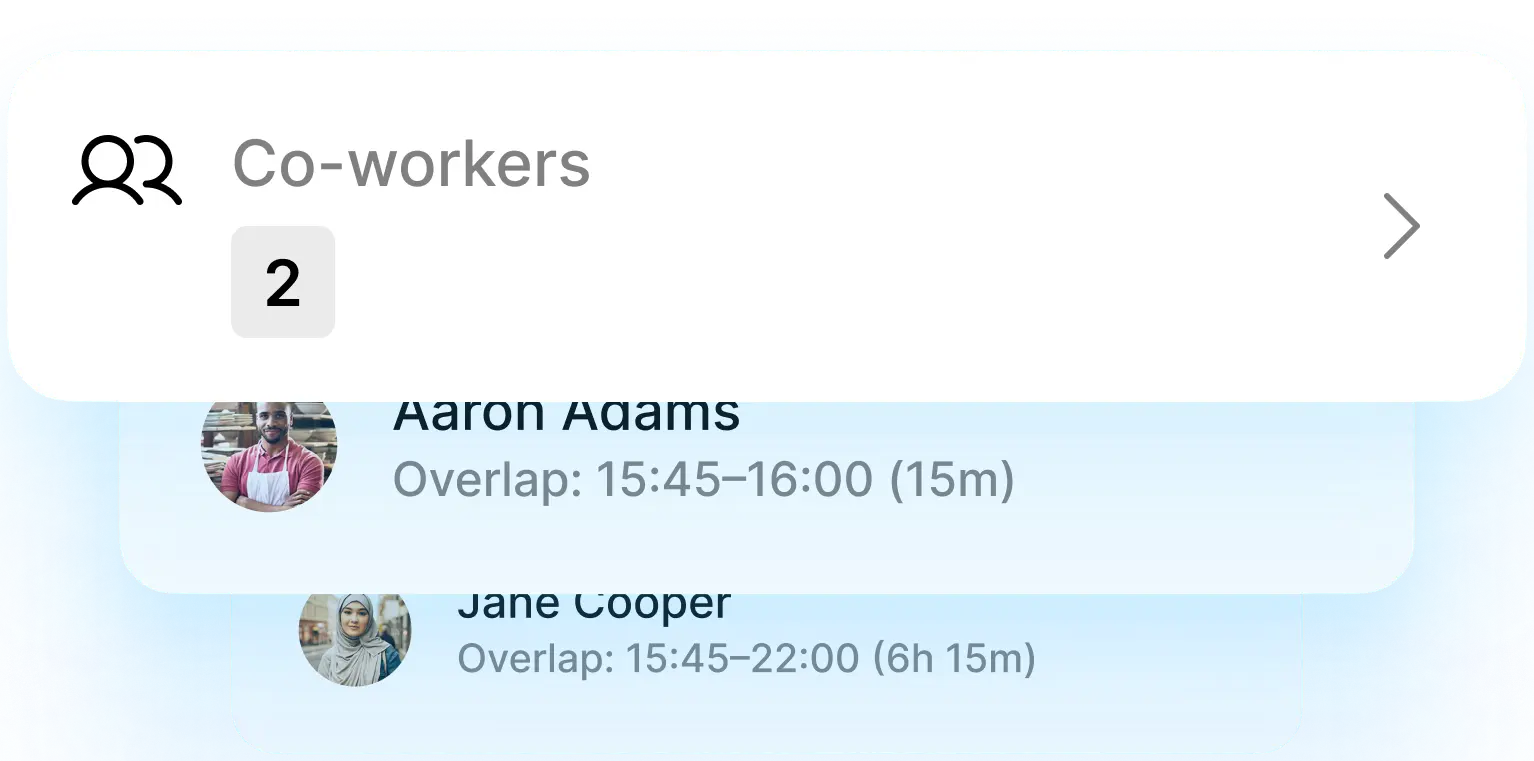
All team members can see others who are working on the same shifts with overlapping hours.
4. Stay updated
Information updates automatically as schedules change.

Designed for busy operations

Whether you're managing security teams, event staff or multi-site workforces, Who's on Shift helps employees arrive informed and ready to work together.
Manage large frontline teams
Coordinate scheduling, communication, and performance across a high-volume workforce.
Operate across multiple locations
Keep operations consistent and connected across every site.
Onboard new staff regularly
Get new hires up to speed quickly as shifts and rotations change.
Simplify employee experience
Improve day-to-day experience for staff while keeping administrative overhead low.

FAQ

Who can see Who's on shift?
Toggle Accordion
Every team member can see other team members who are scheduled on the same shift if their working hours are overlapping.
Can I turn the feature off?
Toggle Accordion
Yes. Superadmins can enable or disable the feature for the entire organisation.
Who can enable it?
Toggle Accordion
Only Superadmins can manage Who’s on shift settings.
Which plans include Who's on Shift?
Toggle Accordion
Who’s on shift is included in all Parim plans. 

Ready to get started?

Who's on Shift is included with all Parim plans.
Read our Help Centre article to learn how to enable the feature for your organisation.